Life OS

A second brain built on markdown

Your life context is scattered across a dozen apps. This system pulls it all together into plain text files that AI agents can act on, surfacing what matters and catching what you missed.

Get started

How it works

Plain text as the foundation

Journal entries, meeting notes, client info, people profiles, daily digests, financials, reminders. It all lives in markdown files in a single git repo. If you can read a text file, you can read the whole system.

AI as the interface

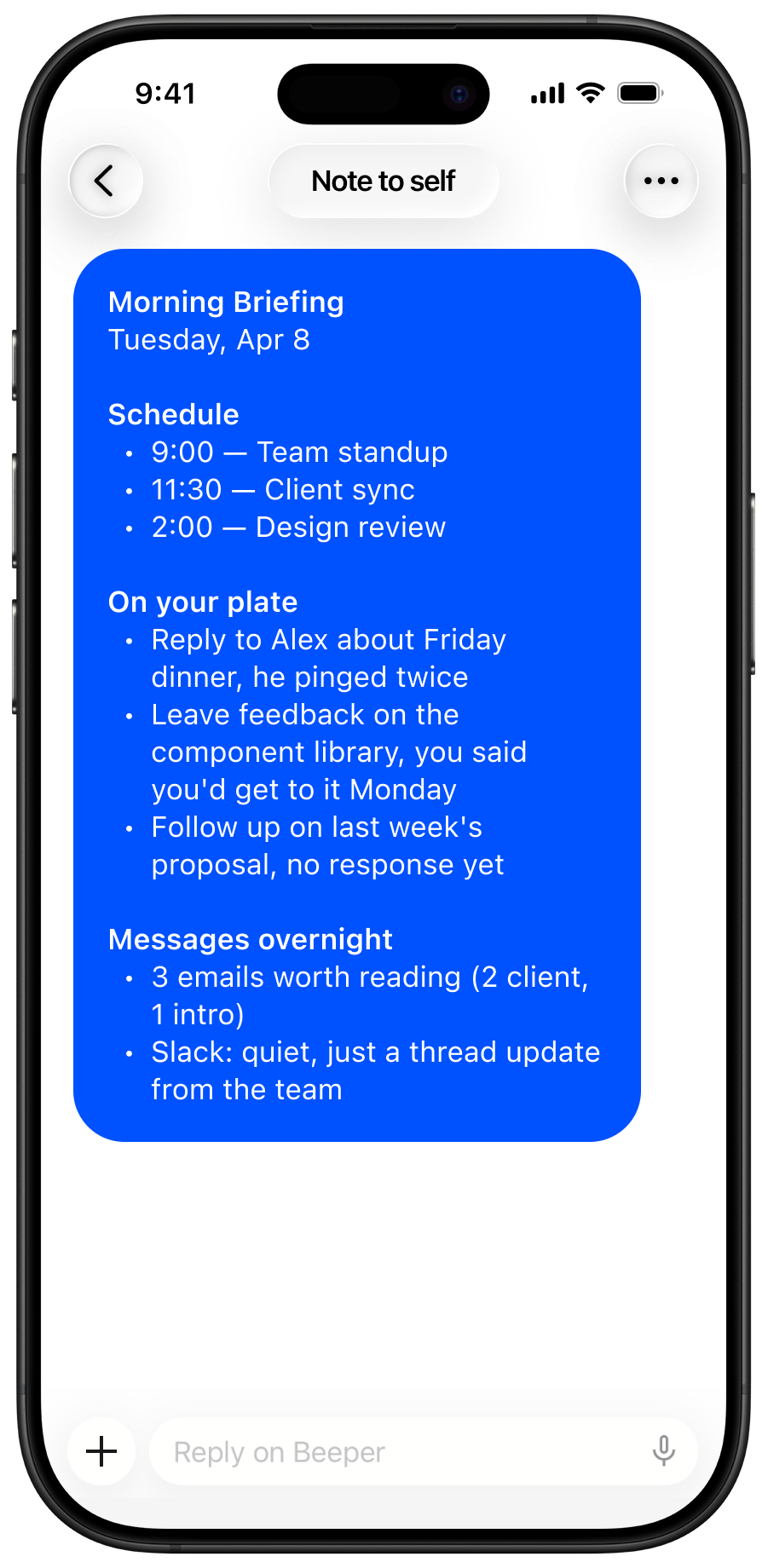
Claude Code reads and writes to the repo using custom slash commands. It pulls from all your sources, then stitches it all together into something you can actually use.

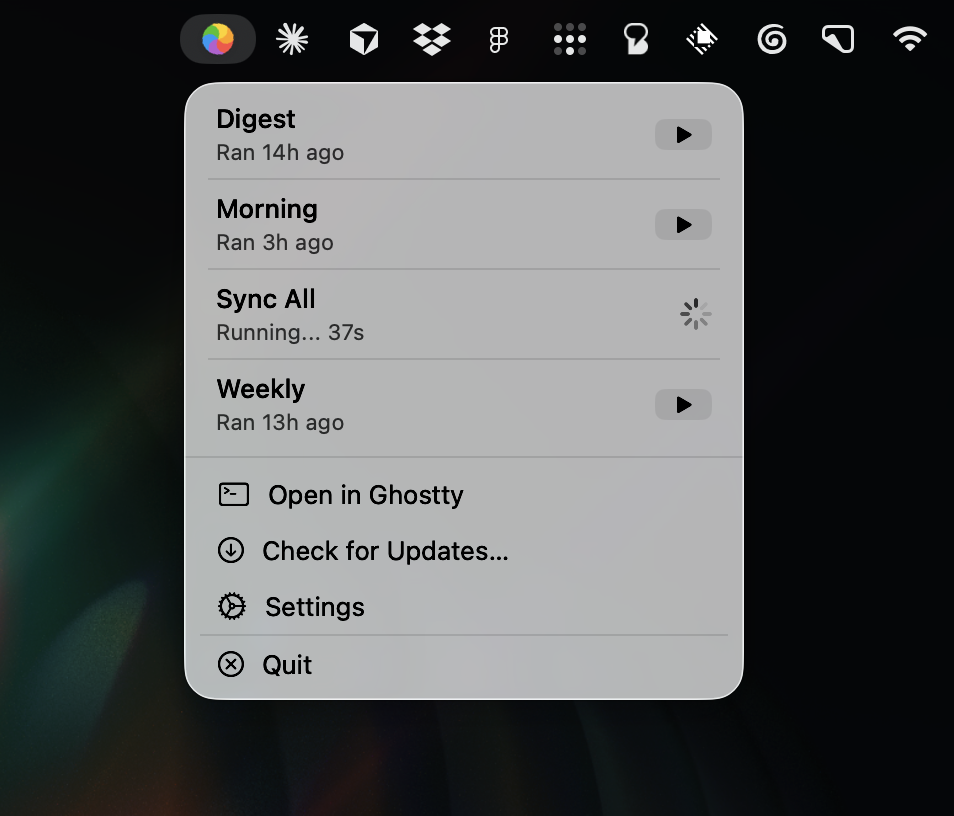
Cron keeps it running

Morning briefings, syncs, and digests run on a schedule. You don't have to remember to trigger anything. It just happens.

Git as the memory

Every change is committed and pushed. The full history of your decisions and context is versioned and searchable. Nothing gets lost.

Obsidian as the viewer

Wiki links connect people, clients, and dates across the entire repo. Click a name and jump to their profile. Click a date and see that day's digest.

Skills

/morning

Checks yesterday's digest and surfaces what needs attention.

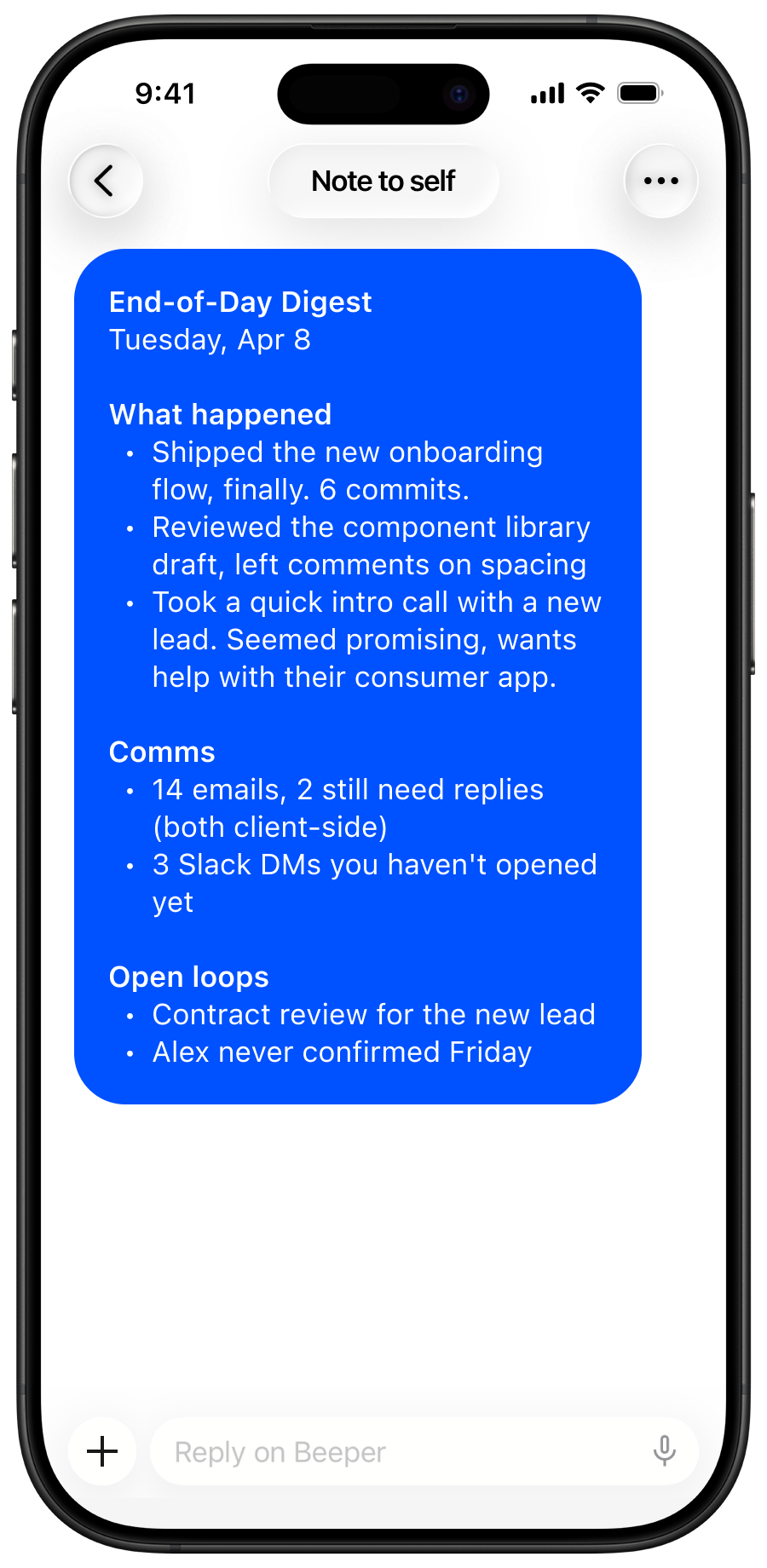
/digest

Sweeps through everything that happened today and writes a structured recap.

/journal

Freeform entries to capture what's on your mind.

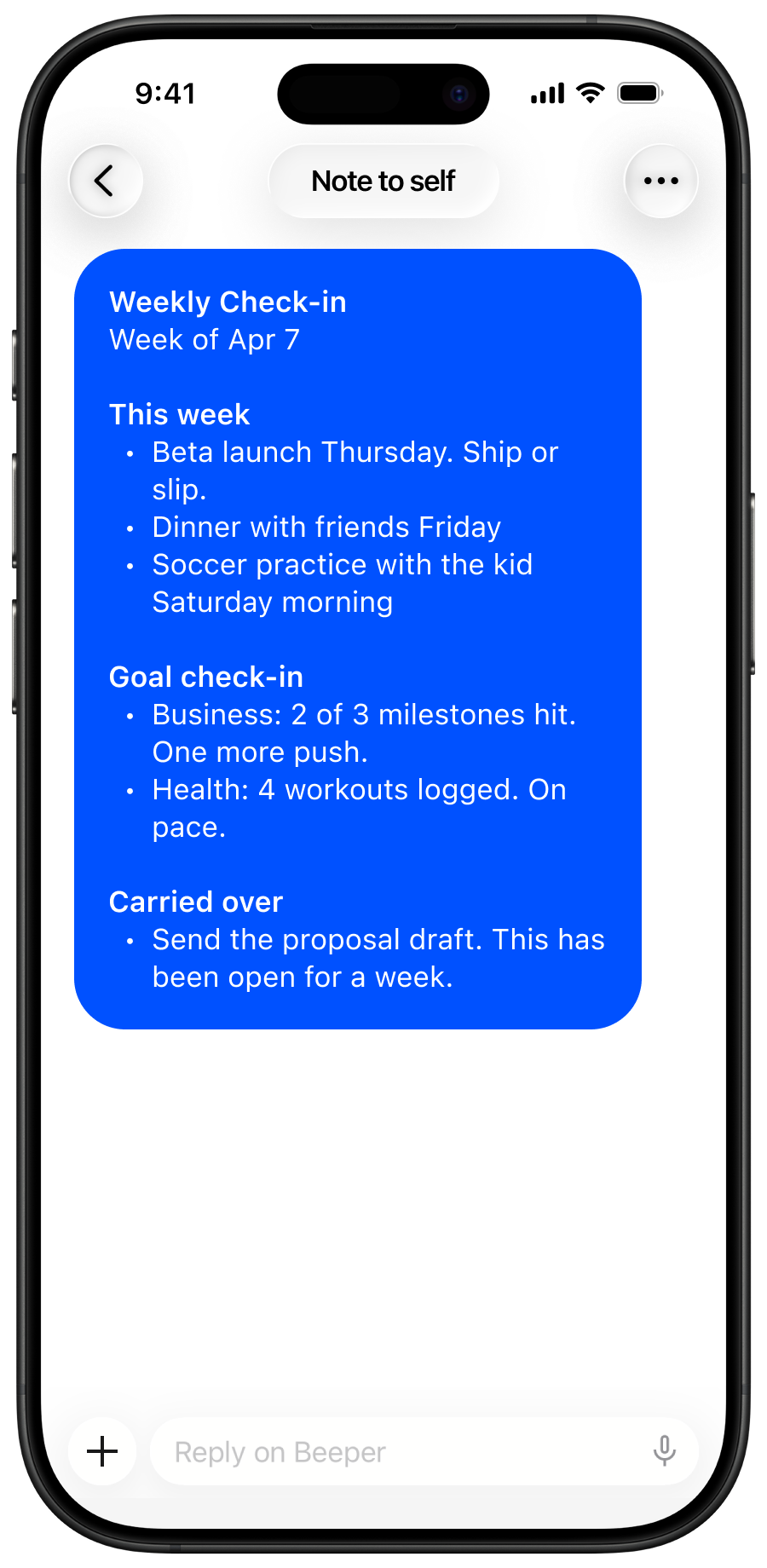
/weekly

Sunday evening check-in of what's coming next week.

/meeting-prep

Pulls recent conversations, open tasks, and Figma threads for the meeting.

/daily-question

One thoughtful personal question per day to deepen the identity profile.

/sync-all

Syncs all data sources into markdown files and pushes to git.

/sync-finance

Pulls financial and contract data from Projector, account balances from Copilot Money, and updates the full financial picture.

/sync-people

Syncs people and relationships from communications into profile files.

/sync-clients

Syncs client and lead information from communications.

/sync-identity

Updates your identity profile with new signals from recent activity.

/sync-figma-tasks

Creates tasks from unanswered Figma comments and closes resolved ones.

/sync-tasks

Syncs and answers questions about tasks from Slackdone.

/sync-sessions

Captures Claude Code session transcripts as structured notes.

/sync-blog

Syncs blog posts from Substack into markdown files.

/sync-twitter

Syncs tweets from X into markdown files.

/sync-youtube

Syncs YouTube watch history from browser into markdown files.

/task-create

Creates a task in Slackdone and sets all fields in one go.

/goals

Interactive goal-setting flow tied to life pillars.

/goals-review

Quarterly deep review. Scores progress, identifies stalled goals, suggests pivots.

/luck

A decision-making framework for increasing the likelihood of fortunate outcomes.

Cron jobs

7:00 AM

Morning briefing — reviews yesterday and surfaces what needs attention today.

12:00 PM

Mid-day sync — pulls all data sources into markdown and pushes to git.

8:00 PM

Nightly digest — syncs and writes a structured recap of the day.

Sun 9 PM

Weekly check-in — previews the week ahead.

Data sources

Apple Health
Apple Health
Beeper
Beeper
Copilot Money
Copilot Money
Figma
Figma
Git
Git
Gmail
Gmail
Google Calendar
Google Calendar
Granola
Granola
iMessage
iMessage
Sumi
Sumi
Mercury
Mercury
Projector
Projector
Slack
Slack
Slackdone
Slackdone
Substack
Substack
X
X
YouTube
YouTube

Sumi — iOS app

Sumi app icon

Sumi

Commit your thoughts.

Join beta

File structure

├── journal/entries/ — daily freeform journal
├── reminders/ — daily reminder checklists from Sumi
├── chats/ — saved chat sessions from Sumi
├── digests/ — end-of-day structured recaps
├── identity/ — living profile, updated on every sync
├── people/ — notes on friends, clients, contacts
├── clients/ — client and lead tracking
├── work/ — tasks, financials, figma comments, business ops
├── goals/ — goal tracking and progress
├── meetings/ — meeting notes
├── blog/ — synced from Substack RSS
├── health/ — daily health metrics from Apple Health
├── youtube/ — daily watch history from browser
├── twitter/ — tweets synced from X
├── scripts/ — sync scripts for iMessage, tasks, Figma
├── .claude/commands/ — slash command definitions
└── CLAUDE.md — system instructions and context

Design principles

01

Never fabricate. Every line in a digest has to be traceable to a real source. If it can't be verified, it doesn't get written.

02

Cross-reference everything. The biggest failure mode is being told to follow up on something you already handled. So it checks sent messages before flagging anything as open.

03

Coach, not assistant. The AI should push back, call out dropped balls, and surface things you're avoiding. Celebrate shipping, not busywork.

04

Link everything. Every person, client, and date is a wiki link. Click through to see the full context. The repo is a graph, not a folder.